Convert HEIC to JPG on Windows
- Right-click the photo and choose Open with › Photos.
- Click the ··· menu at the top and choose Save as.
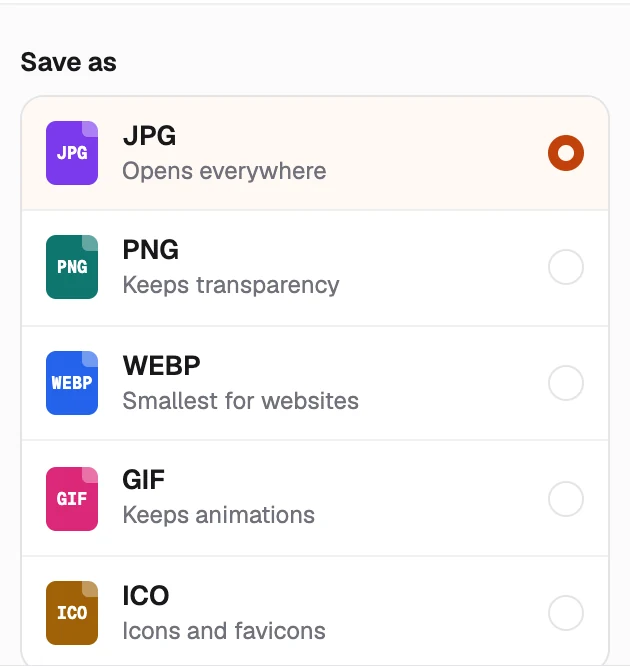
- Pick .jpg as the file type and click Save.
If Photos can't open the file, install the free HEIF Image Extension from the Microsoft Store. Some PCs also need HEVC Video Extensions, and Photos saves one picture at a time.